 Adhop
Adhop presses Skip on YouTube ads for you
A free, open source extension for Chrome and Firefox. It skips ads as soon as YouTube allows it, or speeds them up if you prefer.
Ads play for 5 s, then are skipped as soon as YouTube allows it. Sound is off.
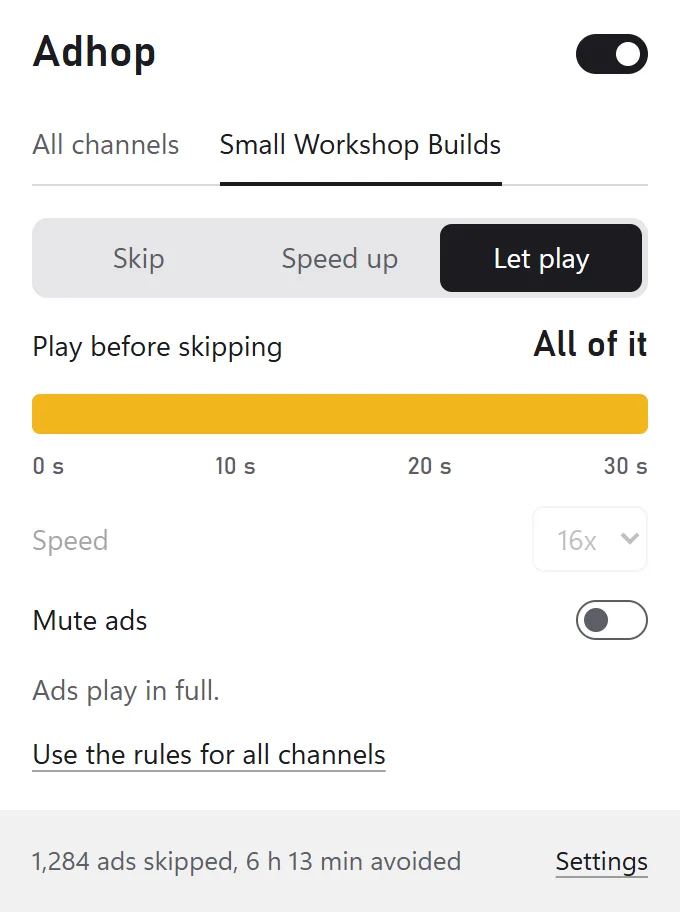
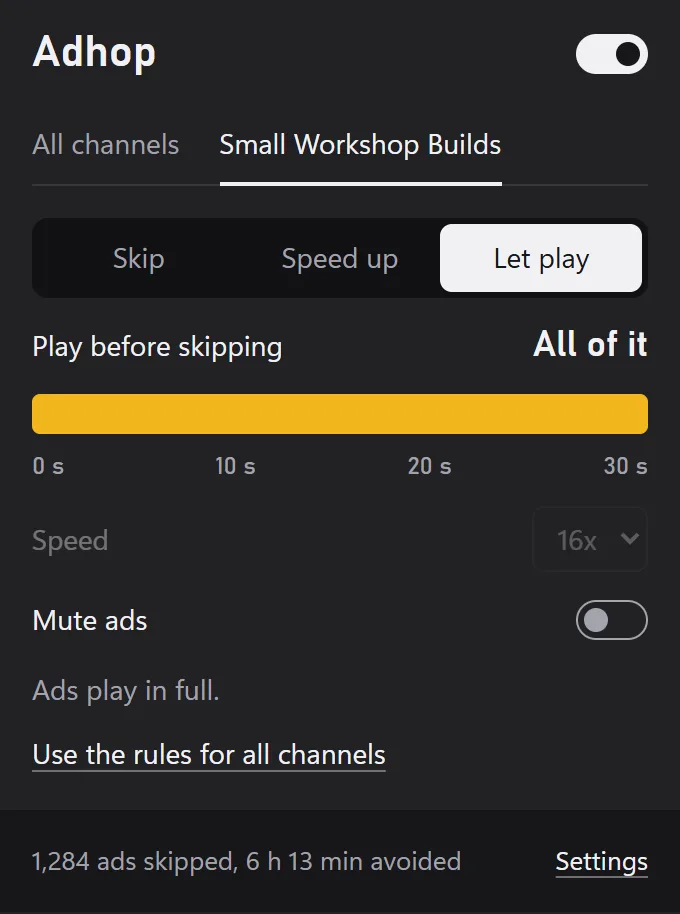
This is the control from the extension. Change it and the bar replays.
One rule for all channels, or one per channel
Pick what happens to ads everywhere, then make exceptions. Channels you want to support can keep their ads.
To give a channel its own rule, open one of its videos, click the Adhop icon and pick the channel.
You can still change your mind
While an ad runs, a small control on the player shows what happens next. One click lets this ad play, or skips it after all.
Ads are muted while they run. Your volume and speed are restored afterwards. Sponsored tiles and banners are hidden, unless you turn that off.
- Alt+Shift+S Turn Adhop on or off
- Alt+Shift+L Let the current ad play, or resume skipping
It's not an ad blocker
Adhop doesn't remove ads. It presses the button YouTube already shows you. Ads without a Skip button still play, but muted and sped up if you want.
No tracking either. Adhop makes no network requests and collects no data. It counts the ads it handled and the time saved, and that stays in your browser. Privacy policy
Free and open source
Adhop is licensed under GPL 3.0 or later. You can read the code, build it yourself or report a problem on GitHub.